

Automate CAS Delivery & Grow Advisory Revenue



Deliver More Advisory Value at a Lower Cost Per Client
RunSmart automatically transforms your clients' QuickBooks financial data into forecasts, financial health insights, early risk signals, and client-ready reports. Eliminate hours of manual analysis and report preparation so your team can deliver more proactive advisory services, serve more clients, and improve profitability.
Portfolio View & Multi-Client Intelligence
Monitor financial performance, forecast trends, and emerging risks across your entire QuickBooks client base from one centralized dashboard.

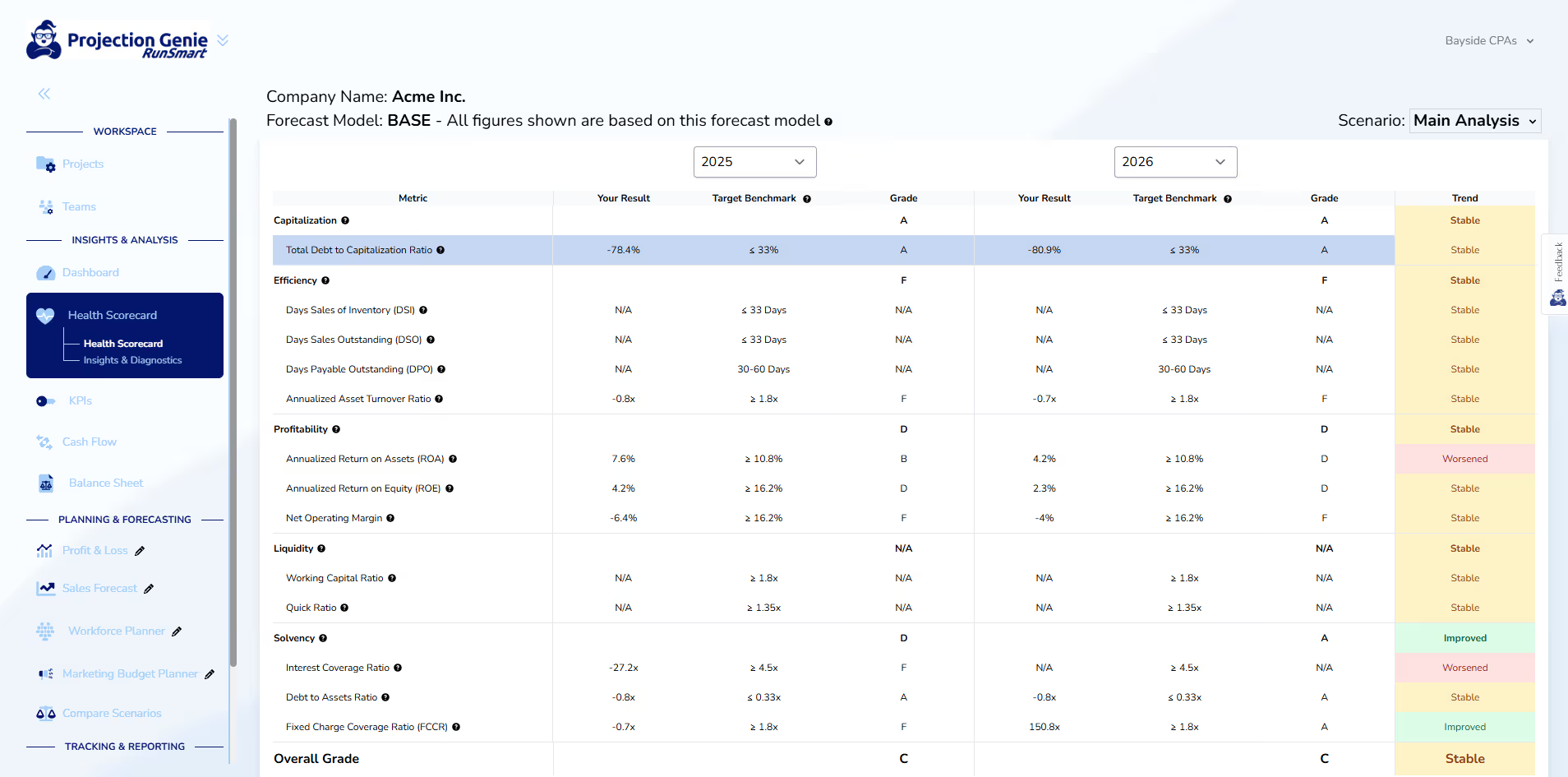
Health Assessments & Insights
Turn your clients' financial statements into actionable insights that support more proactive, higher-value advisory services.
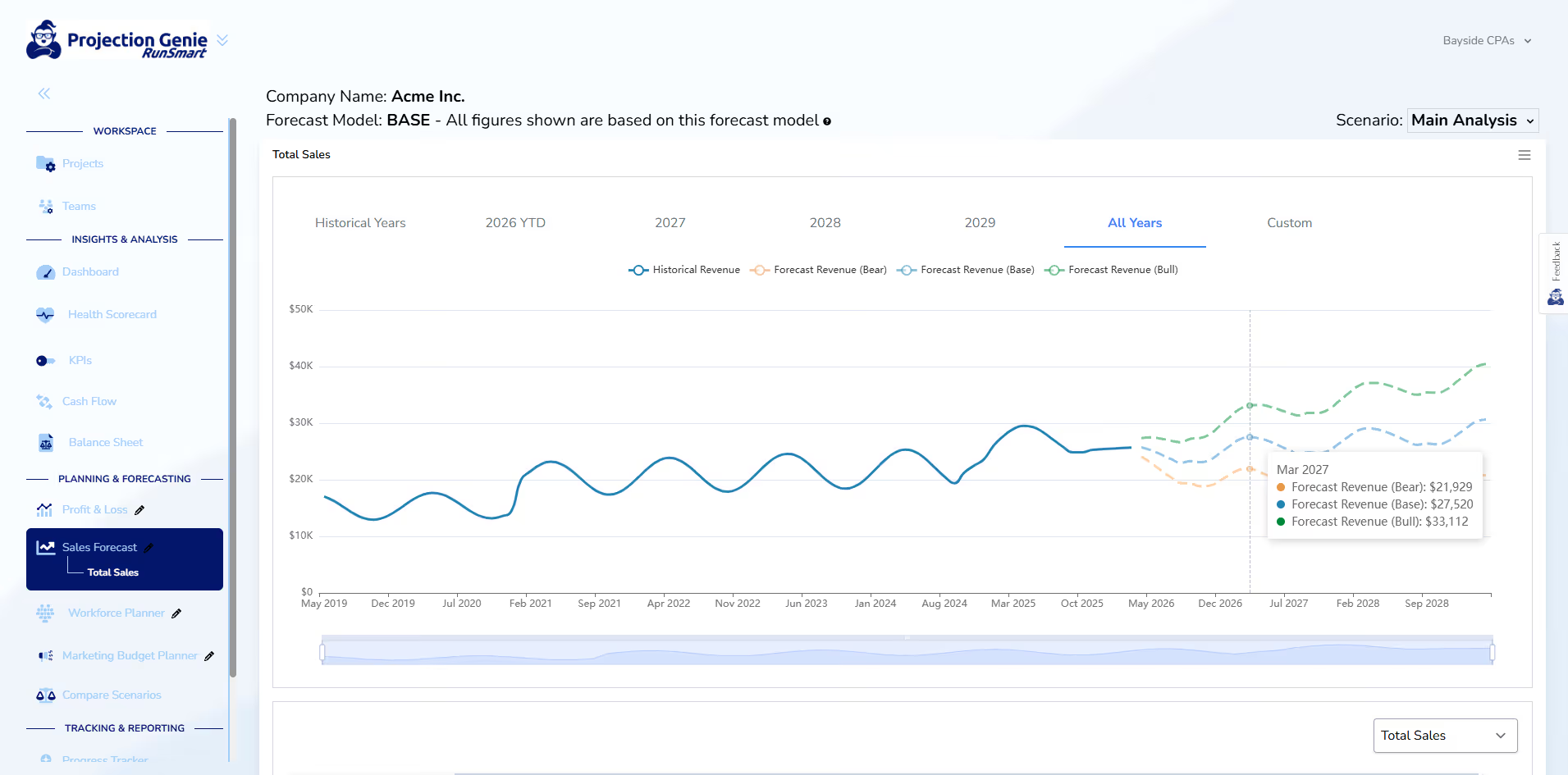
Forecasting & Planning
Automatically generate financial forecasts and help clients evaluate how business decisions could impact their financial future.
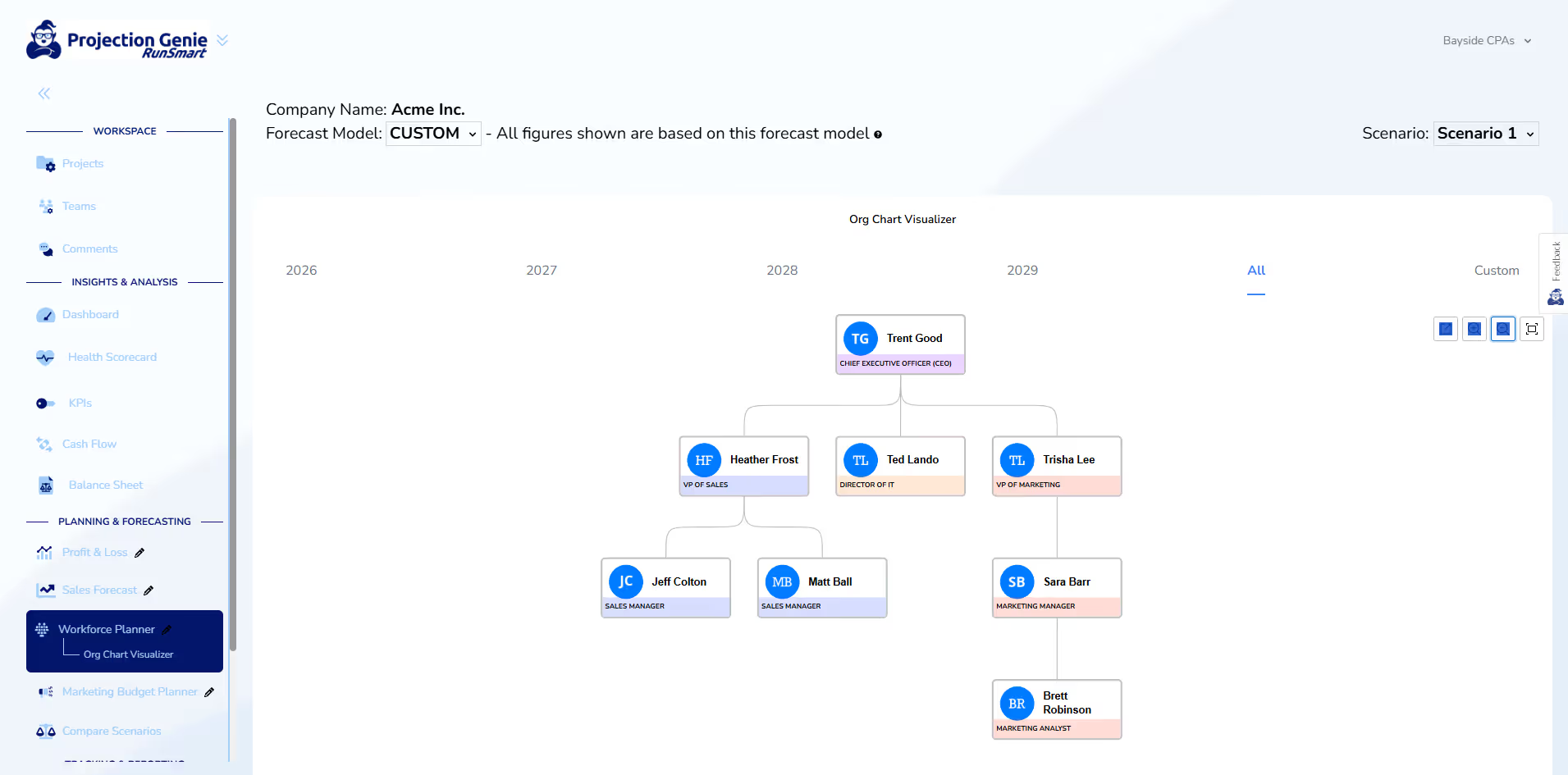
Workforce Planning
AHelp clients plan staffing and compensation costs while incorporating workforce decisions into their broader financial forecasts.
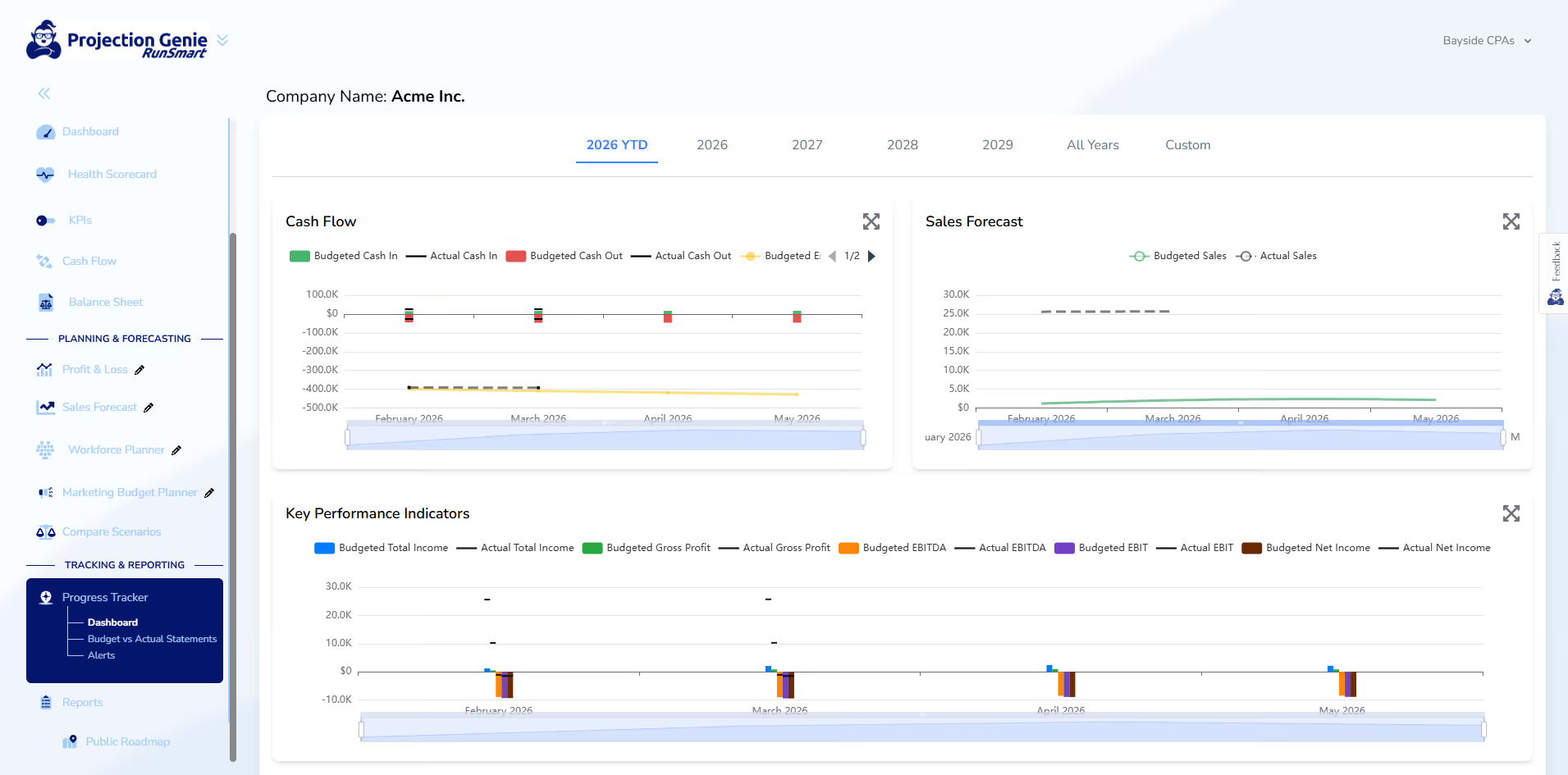
Budgeting & Progress Tracking
Turn financial forecasts into actionable client budgets and monitor performance against financial targets throughout the year.
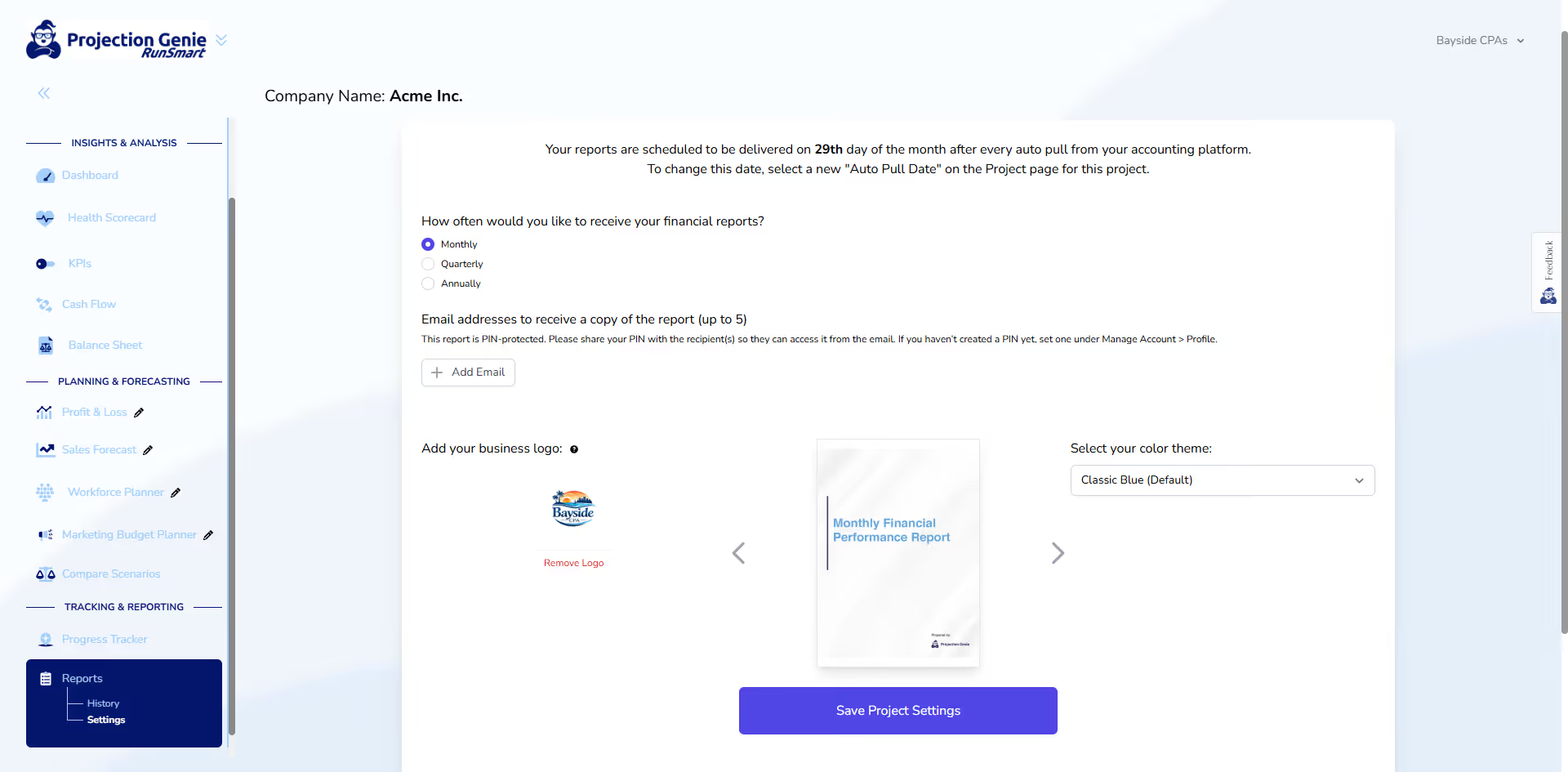
Monthly Reporting
Deliver professional, client-ready financial reports without spending hours preparing spreadsheets or presentations.
Scalable Advisory Intelligence.
Just Three Simple Steps.

Step 1:
Connect Your Clients' QuickBooks
Securely connect your clients' QuickBooks Online accounts using read-only access. No spreadsheets or manual data imports required.

Step 2:
Get Financial Intelligence in Under 5 Minutes
For each connected client, RunSmart automatically analyzes their QuickBooks data to deliver financial forecasts, health insights, and early risk signals in under five minutes each.

Step 3:
Monitor, Plan & Advise
Monitor financial performance across clients, customize forecasts, model scenarios, and deliver higher-value advisory services.
RunSmart FAQs
Answers to common questions about how RunSmart works and what you can expect.
Many FP&A platforms are built for dedicated finance teams and require significant setup, configuration, and ongoing financial modeling. RunSmart is designed to give business owners powerful financial intelligence and planning capabilities without the complexity of traditional FP&A software.
Simply connect your QuickBooks account and RunSmart automatically analyzes your financial performance, generates forecasts and insights, monitors your financial health, tracks budgets, and produces professional reports without requiring you to build or maintain complicated financial models.
No. RunSmart is designed to make complex financial information easier to understand, even if you don't have a background in finance or accounting.
Plain-language insights, helpful tooltips, and an extensive library of help articles explain financial concepts and results throughout the platform. RunSmart also includes an AI-powered chatbot that can answer questions and explain unfamiliar financial concepts in simple terms whenever you need additional help.
No. RunSmart's financial analysis and forecasts are powered by custom-built statistical algorithms and deterministic financial logic—not generative AI.
This ensures consistent, repeatable financial calculations grounded in your actual business data rather than AI-generated interpretations or predictions.
Unlike financial planning tools that rely on fixed growth assumptions or manually maintained models, RunSmart uses advanced statistical forecasting algorithms to identify historical trends, seasonality, and patterns in your financial data.
RunSmart automatically evaluates multiple forecasting methods and selects the best-fitting model for each financial line item, delivering sophisticated, data-driven projections that automatically update as new financial information becomes available.
Standard and Premium plan users can begin using RunSmart with less than 24 consecutive months of QuickBooks history. While financial forecasting will not be available until 24 months of historical data are available, you can still analyze your historical financial performance, monitor your business's financial health, review key financial metrics, compare your performance against industry benchmarks, and generate professional reports depending on your plan.
Once your business reaches 24 consecutive months of historical QuickBooks data, financial forecasting is automatically enabled. This allows RunSmart's statistical forecasting models to better identify longer-term trends and seasonal patterns, helping produce more reliable forecasts. The more historical data you have for RunSmart to work with, the more reliable the results.
Pro plan users require at least 24 consecutive months of historical QuickBooks data before using RunSmart. The Pro plan is designed for businesses that need advanced forecasting, scenario planning, budgeting, workforce planning, automated reporting, and other forward-looking financial planning capabilities, all of which depend on sufficient historical data to produce reliable results.
No. RunSmart currently supports financial forecasting and planning for individual business entities. It does not support consolidating multiple companies into a single financial model or budgeting by QuickBooks class.
You can manage multiple businesses as separate projects, with each company's financial information analyzed and forecasted independently.
No. RunSmart requires a connection to QuickBooks Online, which is currently its only supported accounting platform. RunSmart automatically uses your QuickBooks financial data to generate forecasts, financial health insights, and reports without manual data entry.